
Your First Smart Home Device: A Starting Point That Actually Makes Sense

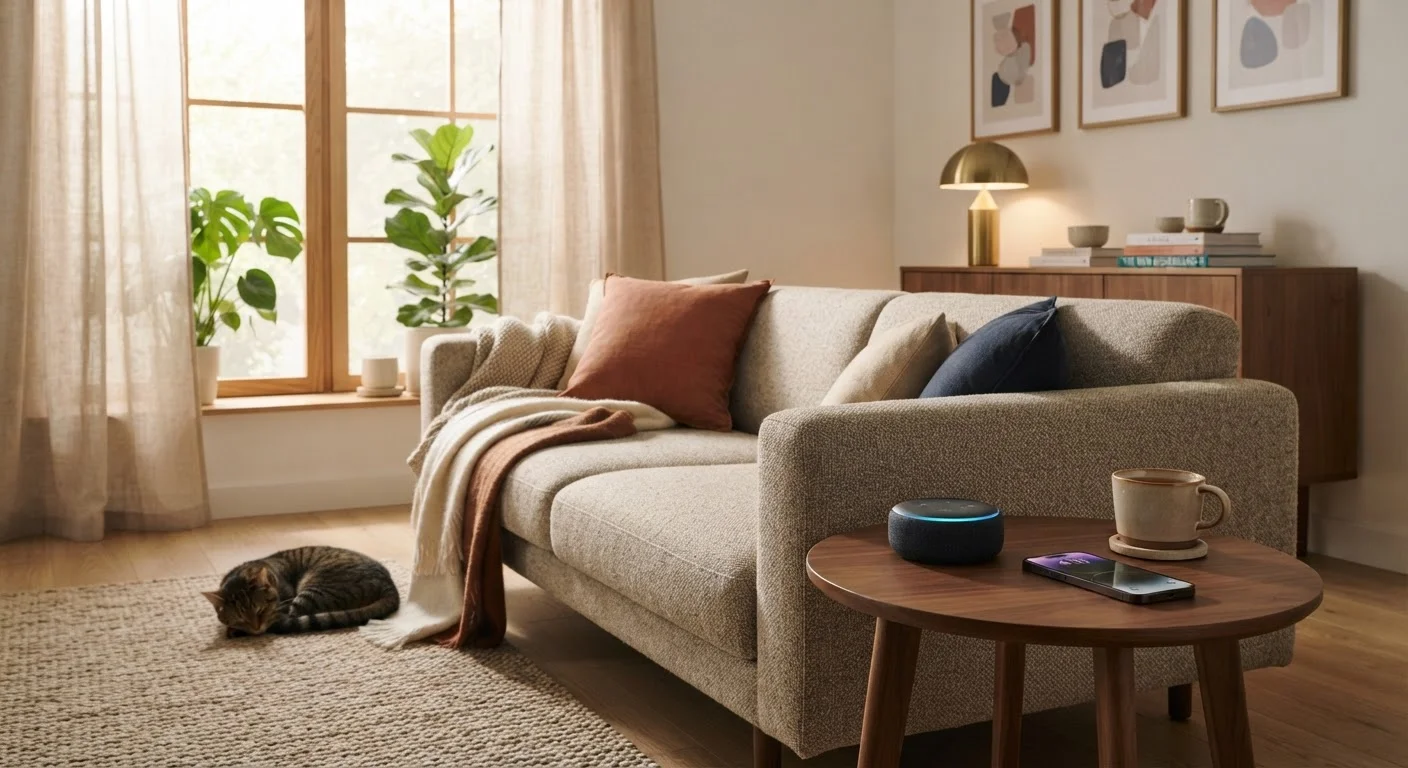
Photo: faqsvault.com editorial
Key Takeaways
- You don't need a full system — one well-chosen device is a perfectly valid starting point.
- Smart speakers are the most beginner-friendly entry point for most households.
- Setup typically requires only a Wi-Fi connection and a smartphone app.
- Privacy settings matter from day one — take five minutes to review them.
- Expanding your smart home works best when devices share a compatible ecosystem.
What 'Smart Home' Actually Means
A smart home is simply a home where everyday devices — lights, speakers, thermostats, locks — can connect to the internet and be controlled remotely or automatically. That's it. The term sounds like it implies a full renovation, but in practice, it can mean a single gadget that saves you from getting off the couch to turn off a lamp.
The key technology behind most smart devices is your home Wi-Fi network. Devices connect to it, communicate through an app on your phone, and sometimes respond to your voice. No wiring, no specialist installation — for most entry-level devices, the process is closer to setting up a new phone app than anything resembling a home improvement project. If you're curious how this fits into a broader landscape of practical tech, our overview of everyday gadgets is a useful companion read.
Smart home device
Any household gadget that connects to the internet and can be controlled remotely through an app or voice command.
Ecosystem
A family of devices and services from one platform — such as Google Home or Amazon Alexa — that are designed to communicate and work together.
Wake word
A specific phrase (like 'Hey Google' or 'Alexa') that activates a voice-controlled device's microphone so it listens for a command.
Smart plug
An adapter that fits into a standard wall outlet and lets you remotely control power to whatever is plugged into it via an app.
2.4 GHz Wi-Fi
One of the two common wireless frequencies most home routers broadcast; it has longer range and is widely used by smart home devices.
The Best First Device for Most People
For the vast majority of beginners, a smart speaker is the most sensible place to start. It's low-cost relative to other smart home hardware, requires minimal setup, and immediately demonstrates the practical value of the technology — you can ask it questions, set timers, play music, or control compatible devices using your voice.
What makes smart speakers a good gateway is their visibility as a hub: once you have one, adding a smart plug or a smart light bulb becomes intuitive because those devices connect to the same system. You're building a small ecosystem rather than collecting disconnected gadgets.
If voice control doesn't appeal to you, a smart plug is another excellent starting point. It turns any ordinary lamp or appliance into something you can schedule or switch on remotely via an app. No permanent installation needed — it just slots into an existing wall outlet. Either choice costs relatively little and teaches you the fundamentals without a large commitment.
Setting Up Without the Stress
The setup process for most smart home devices follows the same basic pattern: download the manufacturer's app, create an account, plug in the device, and follow the in-app instructions to connect it to your Wi-Fi. Most modern devices walk you through this in under ten minutes.
A few things that genuinely help:
- Have your Wi-Fi password ready. You'll enter it during setup, and many people don't have it memorised.
- Position your device near your router initially. This ensures a strong signal during the pairing process. You can move it afterward.
- Use 2.4 GHz Wi-Fi if prompted. Many smart home devices prefer this frequency over 5 GHz — your router likely broadcasts both.
Once your first device is running, the challenge of managing devices across your household becomes the next natural step — and it's more manageable than it sounds.
Start With One Problem to Solve
Privacy and Security: What You Should Know
Smart home devices collect data — usage patterns, voice recordings in some cases, and location information. This is worth understanding before you set one up, not to cause alarm, but so you make informed choices from the start.
Most reputable manufacturers provide privacy dashboards where you can review what's stored and delete it. For voice-activated devices, a physical mute button disables the microphone entirely. These are meaningful controls worth using.
On the security side, a few straightforward habits reduce risk significantly:
- Use a unique, strong password for your device account — not the same one you use elsewhere.
- Keep your device's software updated; manufacturers regularly release patches for security vulnerabilities.
- Consider setting up a separate guest Wi-Fi network for smart home devices, keeping them isolated from your main computers and phones.
None of this requires technical expertise — it's the same kind of digital hygiene that applies to any connected device you own.
When You're Ready to Expand
Once your first device is settled in and useful, expanding feels much less daunting. The most important principle at this stage is ecosystem compatibility. Devices from the same platform — say, all working through Google Home or all working through Amazon Alexa — are far more likely to work together smoothly than a mix of unrelated products.
Common next steps after a smart speaker or plug include:
- Smart bulbs — controllable lighting without rewiring anything
- A smart thermostat — schedules heating and cooling automatically, which may reduce energy use over time
- A video doorbell — lets you see and speak to visitors via your phone from anywhere
Each of these solves a tangible, everyday problem. That's a useful filter when deciding what to add next: does this device address something genuinely inconvenient in my daily life? If the answer is no, there's no rush. A thoughtful approach to upgrading your home environment — smart tech included — always beats accumulating gadgets for their own sake. And if a device ever stops working as expected, run through a basic troubleshooting checklist before assuming it needs replacing.
Manufacturer Privacy Dashboards
Most major smart home platforms offer a dedicated privacy or data settings page in their app or website. Use it to review stored voice history, adjust permissions, and manage what data is collected by your device.
Router Guest Network Guide
Your router's manual or manufacturer website typically explains how to set up a guest Wi-Fi network — a useful way to keep smart home devices on a separate connection from your personal computers.
Digital Life Tips Hub
Explore practical strategies for managing apps, devices, and connected habits — a natural next stop after setting up your first smart device.
Frequently Asked Questions
All published content on this website is for informational and educational purposes only and should not be taken as professional advice. We recommend that readers seek expert opinion before making any decisions. The website is not responsible for any actions taken based on the information provided on this website. We are not liable for any inaccuracies, modifications, or omissions in information. Moreover, external links or third-party content are provided for convenience; we are not liable for their correctness. Users are advised to verify every piece of information before they use it for any purpose.