
When Upgrading Technology Makes Sense — and When It Doesn't

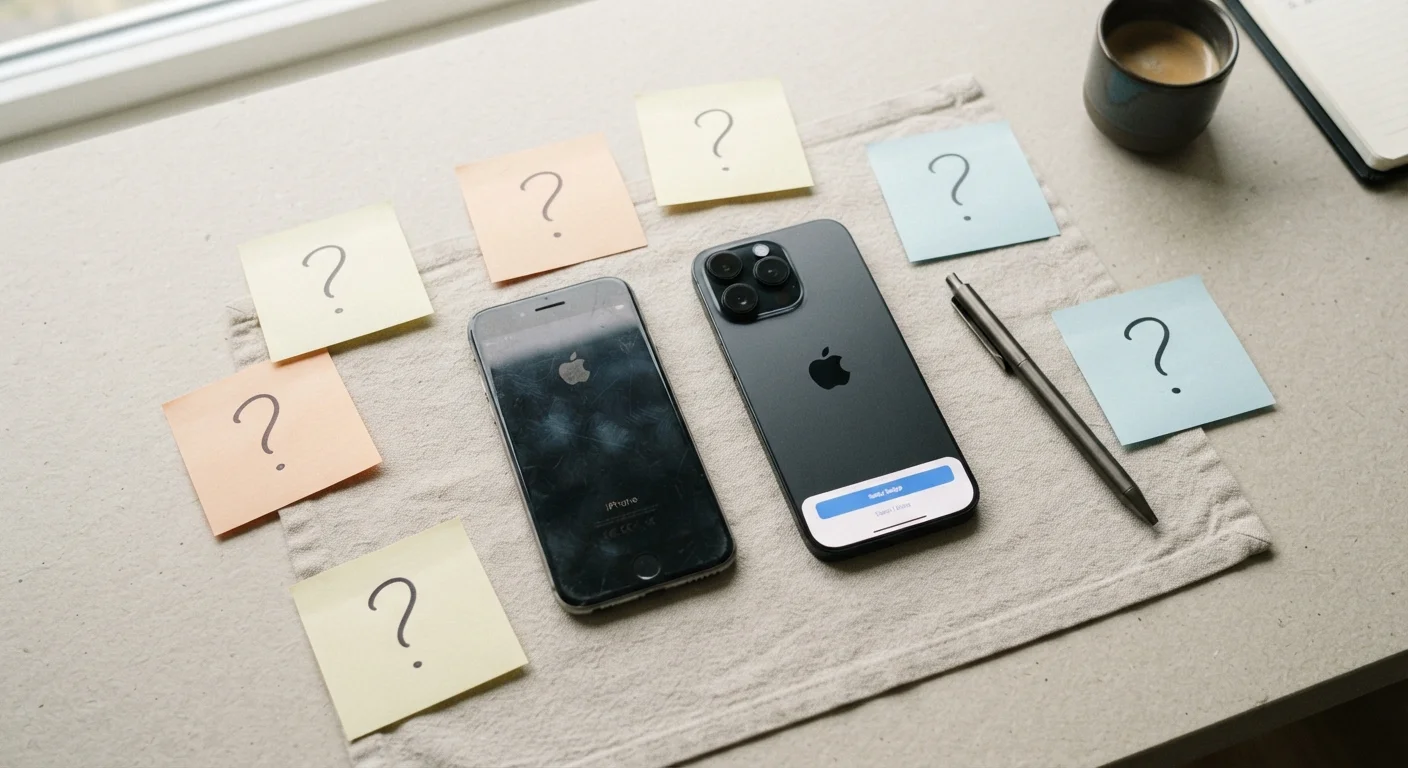
Photo: faqsvault.com editorial
Key Takeaways
- A newer device or software version doesn't automatically mean a better experience for your needs.
- Meaningful upgrades solve a real problem you're currently experiencing — not just a theoretical one.
- Security and software support timelines are often the strongest legitimate reasons to upgrade.
- Upgrade costs include more than price tags: time, data migration, and a learning curve all factor in.
- Evaluating your actual usage patterns is the most reliable guide for any upgrade decision.
Continued security updates protect your personal data
Devices and software that receive active security patches are significantly less vulnerable to exploits. Upgrading specifically to stay within a supported update window is one of the clearest, most defensible reasons to make the switch.
New hardware can meaningfully extend battery life
Battery technology and power efficiency do improve across device generations. If your current device struggles to last a full day, a newer model may offer a genuinely better experience rather than just a marginal spec bump.
Access to software features your workflow now requires
Some apps and platforms require minimum OS versions or hardware capabilities to function. If a tool you depend on professionally has moved beyond your device's reach, upgrading removes a real barrier.
Repair costs may exceed replacement value
When a device requires expensive repairs — a cracked screen on an older model, for instance — the economics can shift in favor of an upgrade, particularly if the repair cost approaches a significant percentage of a newer device's price.
Marginal real-world performance gains for most users
Benchmark improvements in processor speed or camera resolution rarely translate into a noticeably different experience for everyday tasks like browsing, streaming, or messaging. Most users won't perceive the difference.
Significant time cost of migration and setup
Moving data, reinstalling apps, re-authenticating accounts, and relearning an interface are all friction points that can consume hours. This cost is rarely included in the mental accounting of an upgrade decision.
New devices introduce new compatibility issues
Accessories, peripherals, and third-party software that worked seamlessly with an older device may not function with a new one. Connector changes and software shifts have historically caught users off guard.
Financial cost is often underestimated
The sticker price is just the starting point. Protective cases, extended warranties, and subscription tier adjustments all add up. For devices purchased on installment plans, the total cost of ownership is higher than the monthly figure suggests.
Environmental impact of early device retirement
Electronic waste is a documented environmental problem. Retiring a functional device before the end of its useful life contributes to that burden, even when trade-in and recycling programs exist.
The Upgrade Treadmill: Why It Feels Relentless
Technology companies release new products on predictable annual or biannual cycles, and the marketing around each launch is designed to make your current device feel inadequate. For everyday users, this creates a low-grade pressure to keep up — even when nothing about their experience has actually deteriorated. Understanding this dynamic is the first step toward making clearer decisions.
The reality is that hardware improvements have slowed considerably compared to the dramatic generational leaps of the early smartphone era. A device from two or three years ago often handles the same tasks — browsing, streaming, video calls, photography — as its latest successor. What has changed is the presentation of those improvements, not always their practical impact.
For a broader look at how quietly these shifts accumulate over time, this review of the decade's defining tech trends is worth reading before forming any upgrade expectations.
The Case for Upgrading: When It Genuinely Makes Sense
There are clear situations where upgrading is the sensible, even necessary, choice.
Continued security updates protect your personal data
Devices and software that receive active security patches are significantly less vulnerable to exploits. Upgrading specifically to stay within a supported update window is one of the clearest, most defensible reasons to make the switch.
New hardware can meaningfully extend battery life
Battery technology and power efficiency do improve across device generations. If your current device struggles to last a full day, a newer model may offer a genuinely better experience rather than just a marginal spec bump.
Access to software features your workflow now requires
Some apps and platforms require minimum OS versions or hardware capabilities to function. If a tool you depend on professionally has moved beyond your device's reach, upgrading removes a real barrier.
Repair costs may exceed replacement value
When a device requires expensive repairs — a cracked screen on an older model, for instance — the economics can shift in favor of an upgrade, particularly if the repair cost approaches a significant percentage of a newer device's price.
Security support is the most compelling non-negotiable. When a device's operating system no longer receives security patches — a status that manufacturers and platform vendors publish openly — continuing to use it exposes you to known vulnerabilities. This isn't a theoretical concern; unpatched devices are a meaningful risk for anything involving banking, email, or personal data storage.
Performance degradation is another valid trigger, though it deserves scrutiny. Device slowdowns aren't always a sign you need a new phone — sometimes a factory reset, storage cleanup, or battery replacement restores usable performance at a fraction of the cost. If you've explored those options and the device still can't run the apps you depend on, upgrading is justified.
The Case Against Upgrading: Real Costs Often Overlooked
For every legitimate reason to upgrade, there are several that don't hold up under scrutiny.
Marginal real-world performance gains for most users
Benchmark improvements in processor speed or camera resolution rarely translate into a noticeably different experience for everyday tasks like browsing, streaming, or messaging. Most users won't perceive the difference.
Significant time cost of migration and setup
Moving data, reinstalling apps, re-authenticating accounts, and relearning an interface are all friction points that can consume hours. This cost is rarely included in the mental accounting of an upgrade decision.
New devices introduce new compatibility issues
Accessories, peripherals, and third-party software that worked seamlessly with an older device may not function with a new one. Connector changes and software shifts have historically caught users off guard.
Financial cost is often underestimated
The sticker price is just the starting point. Protective cases, extended warranties, and subscription tier adjustments all add up. For devices purchased on installment plans, the total cost of ownership is higher than the monthly figure suggests.
Environmental impact of early device retirement
Electronic waste is a documented environmental problem. Retiring a functional device before the end of its useful life contributes to that burden, even when trade-in and recycling programs exist.
The hidden costs of upgrading extend well beyond the purchase price. Transferring data, reconfiguring apps, learning a new interface, and dealing with compatibility issues with accessories or peripherals all take time and create friction. For users whose current setup works smoothly, these are real costs in exchange for marginal gains.
It's also worth recognizing the environmental dimension. Electronics manufacturing is resource-intensive, and devices that end up in landfills or e-waste streams before they've reached the end of their functional life represent a genuine cost — one that falls outside the buyer's immediate calculation but is worth factoring in.
Battery Replacement: The Overlooked Middle Option
A Practical Framework for Deciding
Rather than responding to release announcements, a more useful approach is to audit your actual experience. Ask: what specific task is my current device failing to handle adequately? If you struggle to answer that question, upgrading is probably premature.
A few questions worth sitting with before committing to an upgrade:
- Has my device lost security support, or is it approaching that threshold?
- Is there a concrete task — not a hypothetical one — that my current device cannot perform?
- Have I tried lower-cost interventions (battery replacement, storage cleanup, OS update) first?
- Am I upgrading because of a real need, or because a launch event made my current device feel old?
For a more comprehensive checklist approach, these questions worth asking before adopting any new technology offer a structured way to evaluate any new tool or device.
The same critical thinking that helps you read tech headlines without getting misled applies directly to upgrade decisions: distinguish between a meaningful signal and manufactured urgency.
3–4 years
Average smartphone replacement cycle in the US
Industry analyst data has consistently shown that US consumers hold onto smartphones longer than the annual replacement cycle that launch marketing implies, with averages in the three-to-four year range.
~50%
Of e-waste that contains reusable materials
According to the UN's Global E-waste Monitor, roughly half of discarded electronics contain recoverable materials, underscoring the value of extending device life before disposal.
When the Decision Isn't Just About Devices
Technology upgrades aren't limited to hardware. Software subscriptions, platform migrations, and smart home systems all follow similar logic. A new software version that breaks a workflow you rely on isn't an improvement for you, even if it is one in aggregate. Enterprise users and professionals often have legitimate reasons to delay upgrades until compatibility with their existing tools is confirmed.
The analogy extends to larger decisions, too. Just as timing a major property decision requires reading real indicators rather than reacting to headlines, timing a technology upgrade is a question of actual conditions — not market noise. The discipline of waiting for a genuine trigger, rather than a marketing cycle, produces better outcomes in both contexts.
For more on navigating everyday digital decisions, the Digital Life Tips hub covers practical strategies for getting more out of the devices and apps you already use.
All published content on this website is for informational and educational purposes only and should not be taken as professional advice. We recommend that readers seek expert opinion before making any decisions. The website is not responsible for any actions taken based on the information provided on this website. We are not liable for any inaccuracies, modifications, or omissions in information. Moreover, external links or third-party content are provided for convenience; we are not liable for their correctness. Users are advised to verify every piece of information before they use it for any purpose.