
Why Your Phone Slows Down Over Time — and What's Actually Happening

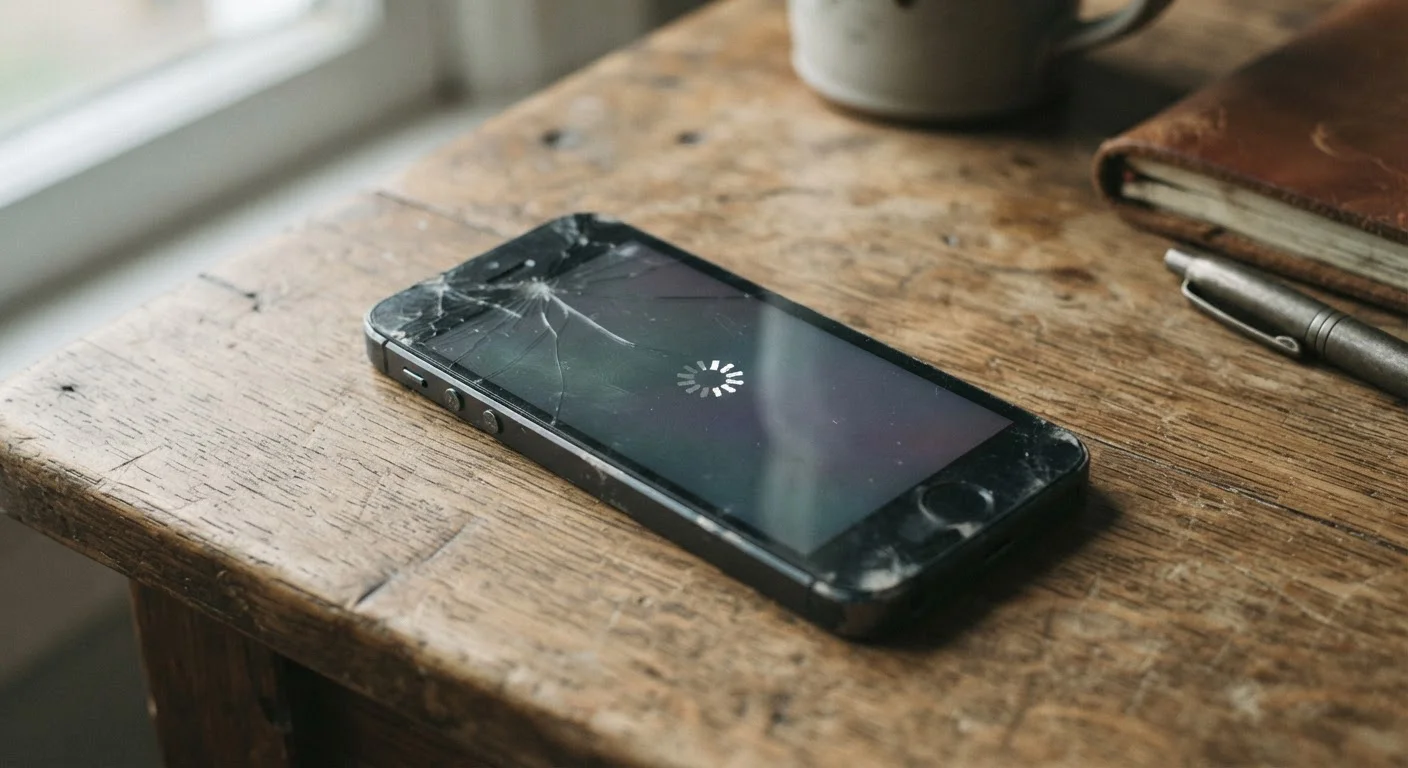
Photo: faqsvault.com editorial
Key Takeaways
- Phone slowdowns are caused by several distinct, identifiable factors — not one single problem.
- Lithium-ion battery degradation directly affects processor performance on most modern smartphones.
- Operating system and app updates increase software demands that older hardware struggles to meet.
- Storage near capacity forces the phone's processor to work harder managing read and write operations.
- Many slowdowns can be partially reversed through targeted troubleshooting before an upgrade is needed.
The Battery Is Doing More Than You Think
The single most underappreciated cause of smartphone slowdowns is battery degradation — and it has a direct, measurable effect on processing speed. Lithium-ion batteries, the standard in virtually all smartphones, lose charge capacity with every complete charge cycle. After 300–500 full cycles, most batteries retain only around 80% of their original capacity.
To manage this, both major mobile platforms have implemented performance management systems that reduce processor speed when the battery can no longer reliably deliver the peak power bursts a full-speed chip demands. Without this, a degraded battery would cause the phone to shut down unexpectedly under load. With it, the phone stays on — but feels noticeably sluggish.
Most devices include a battery health indicator in the settings menu. If yours shows below 80% capacity, that's a likely contributor to your slowdown. Battery replacement is typically one of the more cost-effective interventions before considering an upgrade. For more on how power delivery affects everyday device use, see what fast charging claims actually mean.
Check Battery Health in Settings
Software Gets Heavier — Hardware Stays the Same
Your phone's processor and RAM don't change over time, but the software running on them does — and almost always in the direction of greater demand. Operating system updates add new features, improve security architecture, and change how the system allocates resources. App developers, building for current hardware, tend to release versions that assume more processing headroom than older phones have.
This mismatch is sometimes called software bloat, though that term oversimplifies it. Most updates deliver real value — security patches in particular are essential for protecting your data. But the cumulative effect on a three- or four-year-old device is real: tasks that once felt instant start to introduce perceptible delays.
Background app behavior compounds this. Many apps continue to run processes after you've closed them — syncing data, refreshing feeds, or checking for notifications. Unused apps aren't just taking up space; they consume active system resources. Regularly auditing which apps have permission to run in the background is a practical step that many users overlook.
Storage Pressure and Data Accumulation
A smartphone's storage system isn't just a passive container — it's an active part of the device's performance. When storage fills up, the operating system has less room to create temporary files, manage caching, and process tasks that require short-term disk writes. The result is a processor that effectively has to work harder, and operations that should take milliseconds stretch into visible lag.
Beyond raw storage space, years of use accumulate layers of data that were never meant to be permanent: cached app data, duplicate photos, redundant downloads, and app logs. This accumulated data rarely presents as a visible problem until the phone is noticeably slower or running out of space. Clearing caches, removing downloaded files, and offloading photos to a separate backup are all straightforward ways to recover performance headroom.
Notification overload also plays a subtle role — constant interruptions from dozens of apps keep the processor and display active at irregular intervals, contributing to both perceived slowness and faster battery drain. Default notification settings are often working against you in ways most users don't realize.
When Troubleshooting Ends and Upgrading Begins
Not every slowdown signals that a phone has reached the end of its useful life. Many devices respond well to targeted interventions: battery replacement, storage cleanup, background app management, and a selective approach to updates. These steps can meaningfully extend a phone's performance without significant cost.
The clearer signal for an upgrade is when the device no longer receives security updates from the manufacturer. At that point, continuing to use it for sensitive tasks — banking, email, shopping — carries increasing risk that no amount of troubleshooting can address. Hardware limitations that prevent running current apps reliably are a secondary but real consideration.
Deciding whether to troubleshoot or upgrade is ultimately a judgment call that depends on how much the slowdown affects your daily use and what the device is used for. A balanced look at the upgrade decision can help frame that choice more clearly. Understanding what's actually causing the slowdown — battery, software, storage, or a combination — puts you in a stronger position to make that call confidently rather than reactively.
~80%
Typical battery capacity after 500 full charge cycles
Lithium-ion battery chemistry means capacity loss is a predictable, gradual process that directly affects peak power delivery.
3–4 years
Average software support window for many smartphones
After manufacturer support ends, devices stop receiving security updates, which is a key factor in deciding whether to keep or replace a phone.
10–15%
Recommended minimum free storage to maintain performance
Operating systems use free storage space for caching, temporary files, and system operations; consistently full storage is a common, fixable slowdown cause.
Frequently Asked Questions
All published content on this website is for informational and educational purposes only and should not be taken as professional advice. We recommend that readers seek expert opinion before making any decisions. The website is not responsible for any actions taken based on the information provided on this website. We are not liable for any inaccuracies, modifications, or omissions in information. Moreover, external links or third-party content are provided for convenience; we are not liable for their correctness. Users are advised to verify every piece of information before they use it for any purpose.