
What Is a Smart Plug and Why Does It Matter?

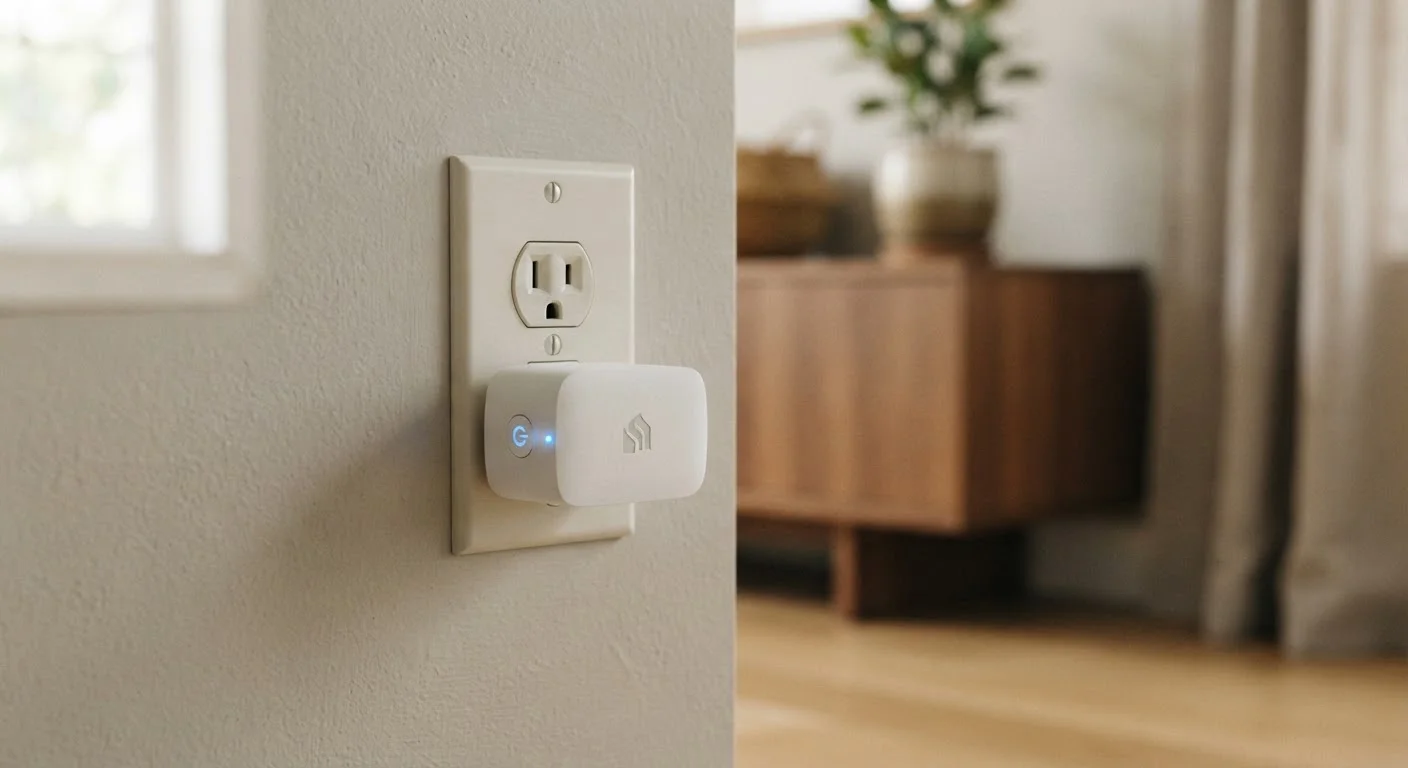
Photo: faqsvault.com editorial
Key Takeaways
- A smart plug converts any ordinary outlet into a remotely controllable power point.
- You can schedule, automate, and monitor devices without replacing them.
- Setup typically takes under five minutes and requires no technical skills.
- Many smart plugs track energy usage, helping identify power-hungry appliances.
- Smart plugs work with voice assistants like Amazon Alexa and Google Assistant.
What a Smart Plug Actually Does
At its core, a smart plug is an intermediary. You insert it into a wall outlet, plug your existing device into the smart plug, and suddenly that device — whether it's a lamp that's been in your living room for a decade or a box fan you bought years ago — gains new abilities.
Through a companion smartphone app, you can turn the device on or off from anywhere, set it to run on a recurring schedule, or tie it to other smart devices in your home. If your phone supports voice commands, you can often just say "turn off the living room lamp" without touching a button.
What makes smart plugs particularly useful for most people is that they require no technical expertise. There's no wiring, no drilling, and no need to understand networking. If you can plug in a phone charger, you can set up a smart plug. See our beginner's guide to starting with smart home tech for a broader starting point.
Real-World Problems Smart Plugs Solve
The value of a smart plug becomes clearest when you think about the small, persistent frustrations of everyday life at home.
Beyond convenience, energy awareness is another practical benefit. Many smart plugs include built-in energy monitoring, showing you exactly how much power a device consumes over time. That can reveal surprising results — an older television on standby, or a space heater left running unnecessarily, can quietly add to your electricity bill in ways a standard outlet never makes visible.
How Smart Plugs Fit Into a Larger Smart Home
A smart plug doesn't have to stand alone. Because most models integrate with popular voice assistants and smart home platforms, they can become part of broader automations. For example, you might program your coffee maker to start brewing when your alarm goes off, or have outdoor lights switch on automatically at sunset.
For households just beginning to explore connected devices, a smart plug is often the lowest-friction entry point — it adds real utility without requiring a significant investment in a whole ecosystem upfront. It's also reversible: if you decide smart home technology isn't for you, simply unplug it and your outlet returns to normal.
Smart plugs are just one piece of a wider category of practical everyday technology. The complete overview of everyday gadgets covers how devices like these fit together across different areas of daily life.
~1–2W
Standby power draw of a typical smart plug
Industry testing consistently shows most Wi-Fi smart plugs consume between 1 and 2 watts in idle standby mode.
5 min
Typical setup time reported by users
Manufacturer guides and user reviews widely indicate that most Wi-Fi smart plugs can be installed and connected in under five minutes.
10%
Potential reduction in device energy waste
The U.S. Department of Energy has noted that standby power — sometimes called "phantom load" — can account for roughly 10% of a home's electricity use, which scheduled smart plugs can help reduce.
What to Keep in Mind Before Using One
Smart plugs are straightforward, but a few considerations are worth understanding before you start.
- Appliance compatibility: Devices that don't automatically power on when electricity is restored — such as some desktop computers or certain kitchen appliances — won't respond well to a smart plug cutting and restoring power remotely.
- Load ratings: Each smart plug specifies a maximum wattage it can safely handle. Always check that the appliance you're connecting falls within that limit, particularly for higher-draw devices like space heaters.
- Wi-Fi band: Most smart plugs require a 2.4 GHz Wi-Fi network. If your router broadcasts only 5 GHz, or combines both bands under one name, you may need to adjust your router settings during setup.
- Privacy and security: Connected devices communicate with manufacturer servers. Reviewing an app's privacy policy and keeping the plug's firmware updated are simple steps that meaningfully reduce risk.
Frequently Asked Questions
All published content on this website is for informational and educational purposes only and should not be taken as professional advice. We recommend that readers seek expert opinion before making any decisions. The website is not responsible for any actions taken based on the information provided on this website. We are not liable for any inaccuracies, modifications, or omissions in information. Moreover, external links or third-party content are provided for convenience; we are not liable for their correctness. Users are advised to verify every piece of information before they use it for any purpose.