
Why Your Smart Speaker Misunderstands You — and What You Can Do About It

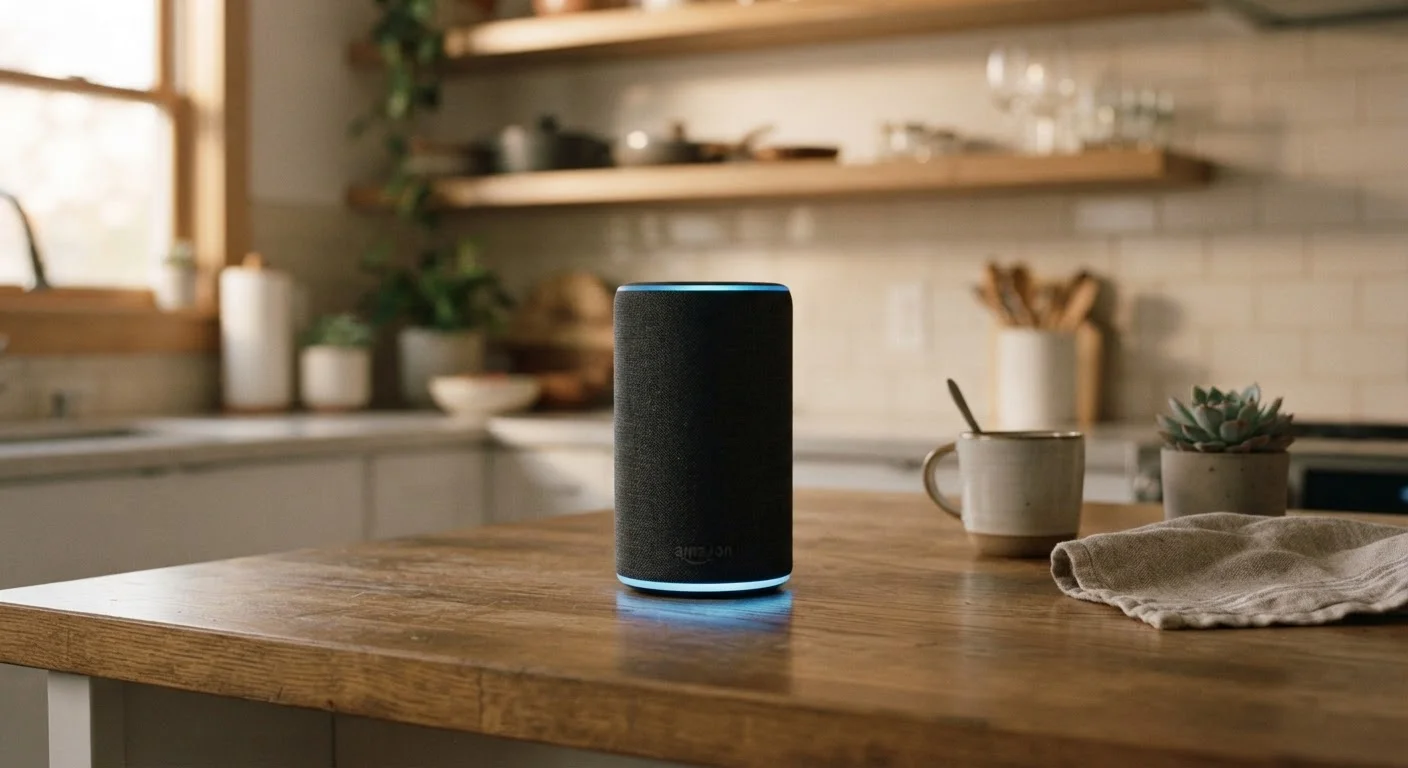
Photo: faqsvault.com editorial
Key Takeaways
- Smart speakers mishear commands most often because of placement, background noise, or unclear phrasing.
- Positioning your device away from walls, appliances, and TV speakers dramatically improves accuracy.
- Speaking naturally and using complete wake-word phrases reduces recognition errors.
- Retraining your device's voice profile can resolve persistent misunderstanding issues.
- Understanding how speech recognition works helps you get more out of your device every day.
Why Smart Speakers Get It Wrong More Than They Should
Smart speakers have become fixtures in millions of American homes — answering questions, controlling lights, playing music, and setting timers on command. But if you've ever had your device confidently play the wrong song, misinterpret a simple question, or respond with a baffling non sequitur, you're not alone. Recognition errors are one of the most common frustrations users report.
The core technology behind these devices — automatic speech recognition (ASR) combined with natural language processing — is genuinely impressive, but it has real-world limits. These systems process audio waveforms, segment them into phonetic units, and match patterns against vast language models. Even small disruptions in audio quality or phrasing can throw that chain off entirely. The result: your speaker hears something plausible but wrong.
Crucially, most recurring errors aren't random glitches — they stem from predictable, fixable mistakes in how users set up and interact with their devices. For a broader look at how AI-powered tools actually work versus what marketing suggests, see the myths around AI most people still believe.
Placing the speaker in a corner or against a wall.
Leaving the speaker near competing audio sources like the TV or a running appliance.
Skipping voice training or never updating the voice profile.
Using vague or incomplete commands.
Repeating the exact same failed command instead of rephrasing.
Practical Steps to Get Better Results Today
Once you understand what causes misrecognition, the fixes become straightforward. Start with placement: move your speaker to an open, central location — countertops at ear level work well — away from walls, corners, large appliances, and anything that vibrates or hums. If your TV is nearby, position the speaker so it's not directly in the audio path when media is playing.
Next, revisit your device's settings. Most smart speakers include a voice training or voice profile feature that lets the system learn your specific accent, speech rhythm, and vocal characteristics. Running this setup (or re-running it if you did it years ago) can meaningfully reduce errors for your household. If multiple people use the device, individual voice profiles help the system distinguish between speakers and personalize responses accordingly.
Finally, adjust how you speak to the device — not your personality, but your phrasing. Lead with the full wake word and pause briefly before your command. Keep requests specific: instead of "Hey , music," try "Hey , play jazz music in the living room." Specificity gives the language model more signal to work with and reduces ambiguity. If a command fails twice, rephrase rather than repeat — the audio conditions haven't changed, so repetition rarely helps.
Managing how technology competes for your attention is a broader challenge worth addressing. Your phone's notification settings are probably working against you — and the same principle applies to any device you've left on default configuration.
25%+
Typical error rate in noisy environments
Research from academic speech recognition studies has found that background noise levels above 65 decibels can push word error rates beyond 25% for consumer-grade smart speakers.
~35%
Users who have never retrained voice profiles
Consumer surveys on smart home usage suggest a significant portion of device owners never revisit voice training settings after initial setup, leaving accuracy gains on the table.
All published content on this website is for informational and educational purposes only and should not be taken as professional advice. We recommend that readers seek expert opinion before making any decisions. The website is not responsible for any actions taken based on the information provided on this website. We are not liable for any inaccuracies, modifications, or omissions in information. Moreover, external links or third-party content are provided for convenience; we are not liable for their correctness. Users are advised to verify every piece of information before they use it for any purpose.