
Screen Time Tracking: What the Numbers Tell You and What They Don't

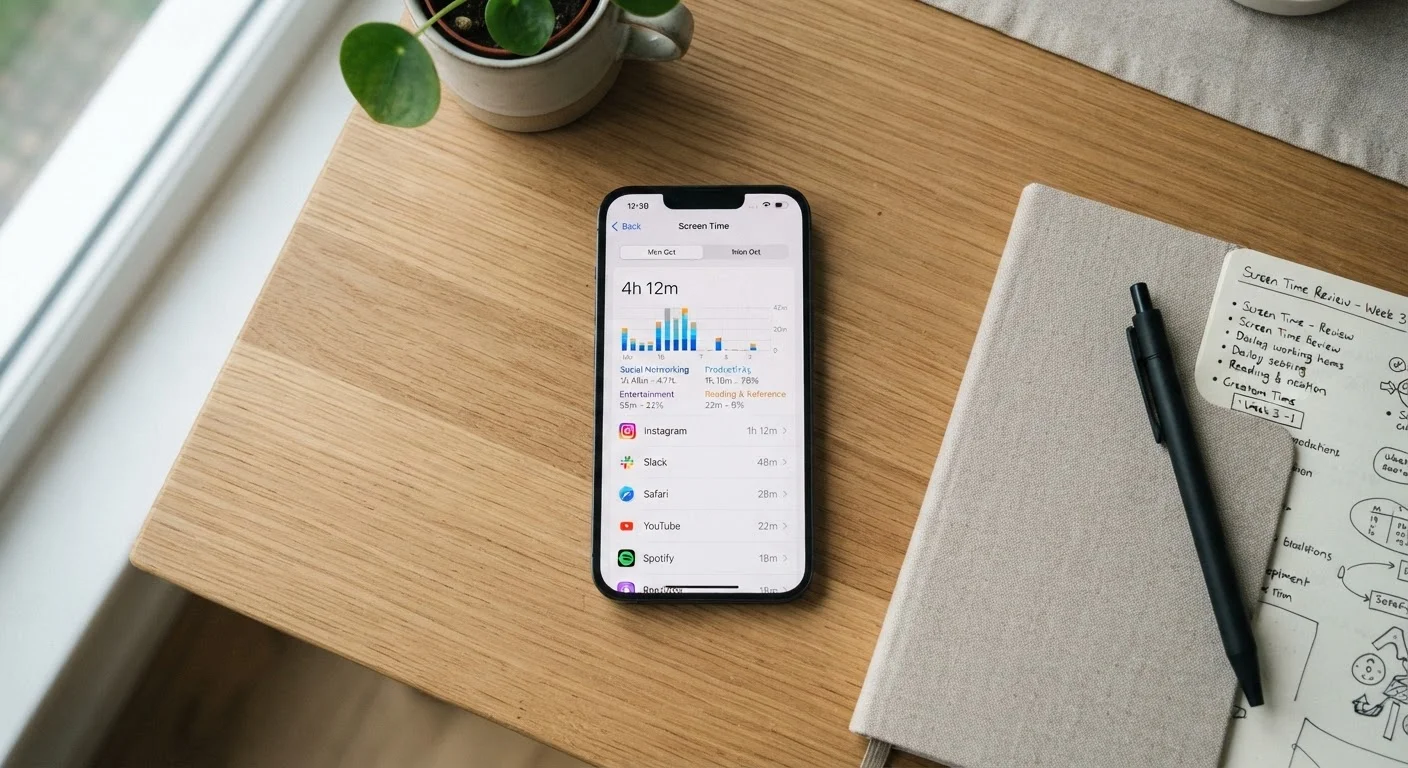
Photo: faqsvault.com editorial
Key Takeaways
- Screen time numbers measure duration only — they say nothing about the quality or purpose of your usage.
- Context matters enormously: two hours of video calls for work is not the same as two hours of passive scrolling.
- Built-in tools typically exclude background activity, so reported totals are always an undercount.
- Setting usage limits based solely on raw numbers, without understanding what drives them, often backfires.
- Screen time data is most useful as a starting point for reflection, not a verdict on your habits.
What Screen Time Tools Actually Measure
When you open your device's screen time dashboard, you're looking at a usage log — a record of which apps were open in the foreground and for how long. That's genuinely useful information, but it has clear boundaries that are easy to overlook.
These tools do not track:
- What you were doing inside an app (reading versus scrolling versus typing)
- Whether usage was intentional or distracted
- Background audio, such as a podcast playing while your screen is off
- Passive notifications you glanced at without opening an app
This means that a reported total of, say, four hours might represent four hours of active reading, four hours of reflexive scrolling, or some combination of both — and the dashboard won't tell you which. Understanding this limitation is the first step to using the data well.
As a related comparison, fitness trackers shift awareness around physical habits in a similar way — the number on the screen prompts reflection, but it never tells the full story of your day.
Why Raw Numbers Can Mislead
Context collapses entirely inside a usage report. Three hours logged under a video calling app on a remote workday looks identical to three hours of passive social media browsing — same number, very different experience and impact.
The categories built-in tools use are also broad and sometimes counterintuitive. An e-reader app, a language learning tool, and a meme-sharing platform may all file under the same category on your dashboard. Aggregated totals can therefore be genuinely misleading without any manual review of what the time actually involved.
4+ hours
Average daily smartphone use for US adults
Research from data analytics firms and behavioral studies consistently places average adult smartphone use above four hours per day, though figures vary by measurement method.
~30%
Portion of screen use typically uncounted by built-in trackers
Background audio, passive notifications, and locked-screen interactions are generally excluded from standard screen time calculations, meaning real device engagement is often higher than reported.
60%+
Adults who report wanting to reduce screen time
Surveys by organizations including Pew Research Center have found majorities of US adults say they spend more time on their phones than they'd prefer, yet sustained reductions remain difficult.
There's also a psychological dimension. Research in behavioral science consistently suggests that what gets measured gets scrutinized, and scrutiny changes behavior — sometimes helpfully, sometimes not. Treating your weekly screen time report as a performance review rather than a data point can introduce unnecessary anxiety. Applying the same critical lens you'd bring to a tech headline is a useful habit here: numbers need interpretation before they become insight.
What the Numbers Can Legitimately Tell You
Despite these limitations, screen time data does offer real value when used correctly. The most productive applications include:
- Spotting patterns over time. A single day's total is nearly meaningless. Weekly averages reveal trends — whether usage is creeping upward on weeknights, spiking on weekends, or concentrated in particular categories.
- Identifying surprise apps. Most people are surprised by which apps consume the most time. A messaging app you didn't think twice about may turn out to dominate your usage, prompting a useful question about whether that reflects your priorities.
- Connecting usage to mood or sleep. When kept alongside a simple habit log, screen time data can help you notice correlations — for example, whether heavy late-evening usage consistently precedes poor sleep. It won't prove causation, but it can surface patterns worth investigating.
For guidance on keeping that kind of habit log without overcomplicating things, tracking your habits without turning it into a second job is a practical place to start.
Setting Realistic Goals From Your Data
If your screen time data prompts you to make changes, the most effective approach starts with specificity rather than across-the-board reductions. Arbitrary limits — "I'll cut all screen time by an hour" — are harder to maintain and less meaningful than targeted ones tied to actual concerns.
Questions that help translate numbers into actionable goals:
- Which app category feels least intentional in my usage?
- Is there a time of day when I pick up my phone out of habit rather than need?
- Are there types of screen time I want to protect or increase — like video calls with family or reading?
Try a Usage Audit Before Setting Limits
Once you've identified a specific pattern you want to shift, consider pairing that change with an offline alternative rather than simply imposing a block. The goal isn't less time on screens as an end in itself — it's more time spent in ways that align with what you actually value. Building a balanced daily stack of digital and physical habits addresses exactly this interplay.
Frequently Asked Questions
All published content on this website is for informational and educational purposes only and should not be taken as professional advice. We recommend that readers seek expert opinion before making any decisions. The website is not responsible for any actions taken based on the information provided on this website. We are not liable for any inaccuracies, modifications, or omissions in information. Moreover, external links or third-party content are provided for convenience; we are not liable for their correctness. Users are advised to verify every piece of information before they use it for any purpose.