
Dark Mode, Blue Light Filters, and Eye Strain: Separating Signal from Noise

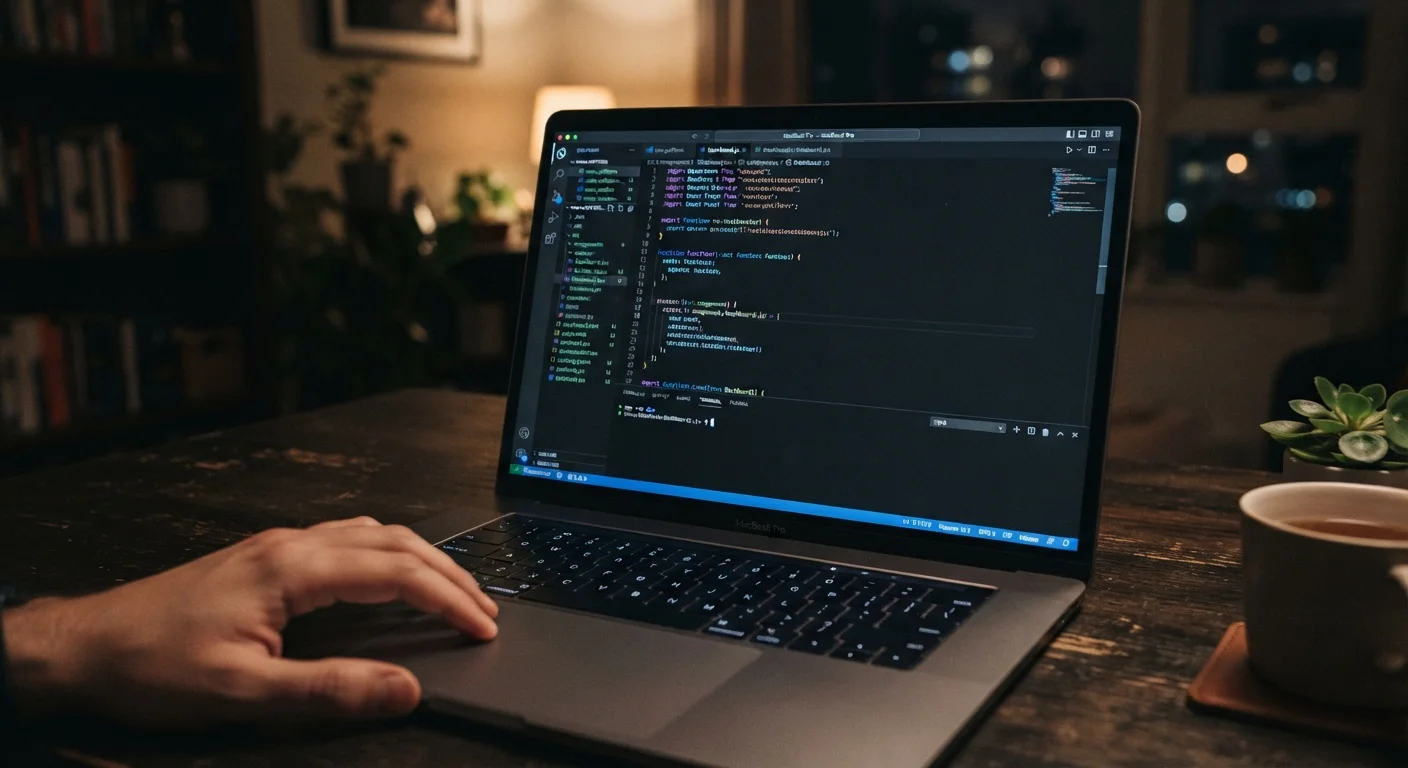
Photo: faqsvault.com editorial
Key Takeaways
- Dark mode doesn't universally reduce eye strain — its benefit depends on your environment and screen brightness.
- Blue light's role in eye strain is overstated; screen brightness and blink rate are more significant culprits.
- The 20-20-20 rule and regular breaks have stronger evidence behind them than any display setting.
- Blue light filters may modestly help with sleep if used in the evening, not necessarily with daytime eye comfort.
- No display setting replaces proper screen ergonomics, ambient lighting, and periodic rest.
Why the Dark Mode Debate Matters
Dark mode has become one of the most requested features across operating systems, apps, and browsers. Proponents claim it reduces eye strain, saves battery, and even improves focus. Meanwhile, blue light filter technology has spawned an entire product category — from software settings to amber-tinted glasses. The problem is that much of what people believe about these tools is shaped more by marketing than by research.
Understanding what actually happens to your eyes during long screen sessions — and what helps — puts you in a much stronger position as a daily technology user. That starts with separating the myths from what the evidence genuinely supports. For a broader look at managing screen time alongside offline habits, see our guide to building a balanced daily stack.
Myth
Dark mode is easier on the eyes than light mode, no matter what.
Fact
Dark mode can reduce eye strain in low-light environments, but in bright conditions, light mode is often more legible and less fatiguing.
Dark mode inverts the typical contrast ratio — white text on a dark background instead of dark text on a light one. In a dim room, this can reduce the overall brightness hitting your eyes, which some people find more comfortable. However, in a well-lit office or outdoors, light mode tends to provide better contrast and readability. Research from the human-computer interaction field suggests that for most people with normal vision, light mode produces fewer errors during sustained reading tasks. Comfort is legitimate, but it's highly contextual — neither mode is universally superior.
Myth
Blue light from screens is the primary cause of digital eye strain.
Fact
Blue light contributes minimally to eye strain; extended near-focus, reduced blinking, and excessive brightness are the main culprits.
Blue light occupies a specific wavelength range and does interact with the eye differently than other visible light. However, the American Academy of Ophthalmology has stated that the amount of blue light emitted by consumer screens is far below levels that could cause measurable eye damage. Digital eye strain — characterized by dryness, blurring, and headaches — is primarily driven by prolonged near-distance focus, infrequent blinking, screen glare, and poor ergonomics. Attributing it mainly to blue light has helped sell filter products, but it misidentifies the problem and may lead users to overlook more effective solutions.
Myth
Blue light glasses eliminate eye strain during screen use.
Fact
Current evidence does not support the claim that blue light-blocking glasses significantly reduce digital eye strain during the day.
Several randomized controlled trials — including a 2021 study published in Ophthalmic and Physiological Optics — found no significant difference in eye strain between participants wearing blue light-filtering lenses and those wearing standard lenses during screen use. The glasses may help some people feel like they're doing something proactive, but the measurable effect on daytime eye comfort is not well established. Where these glasses may have a plausible benefit is in evening use, where reducing blue wavelengths could support melatonin production and sleep onset.
Myth
Night mode and blue light filters improve sleep for everyone who uses screens at night.
Fact
Blue light filters may support sleep for some users, but the effect is modest and varies depending on individual sensitivity and total screen time.
Blue light does suppress melatonin production, which is the hormone that signals your body to prepare for sleep. This is well-documented in research. However, the practical effect of a software filter — which reduces but doesn't eliminate blue light — is more modest than the effect of simply reducing screen time or brightness before bed. Cognitive stimulation from the content you're consuming (news, social media, action-heavy video) also plays a role in delaying sleep onset that no color filter addresses. Filters are a reasonable, low-effort step, but they're not a complete solution for screen-related sleep disruption.
Myth
Higher screen resolution automatically means less eye strain.
Fact
Resolution alone doesn't determine eye comfort — brightness, contrast, refresh rate, and viewing distance all matter more than pixel density beyond a basic threshold.
Once a screen reaches a pixel density where individual pixels are indistinguishable at a normal viewing distance — sometimes called a retina-level display — further increases in resolution produce diminishing returns for eye comfort. At that point, factors like panel type, peak brightness, flicker behavior, and how the screen is positioned in your environment become more relevant. A high-resolution monitor set to extreme brightness in a dim room can be far more fatiguing than a modestly resolved display set up with proper ergonomics and ambient lighting.
What the Research Actually Supports
The clearest evidence-backed intervention for screen-related eye discomfort is behavioral, not technological. The 20-20-20 rule — looking at something 20 feet away for 20 seconds every 20 minutes — reduces the sustained focus that contributes to digital eye strain. It's recommended by optometrists precisely because it addresses the underlying mechanism: prolonged near-focus without breaks.
Ambient lighting also plays a significant role. A screen that's dramatically brighter or darker than its surroundings forces your pupils to continuously adjust, which is fatiguing over time. Matching screen brightness to the room's light level is a simple, evidence-aligned adjustment that costs nothing.
~5x
Reduction in blink rate during screen use
Research cited by the American Optometric Association suggests blink rate can fall from roughly 15–20 times per minute to fewer than 5 during focused screen tasks.
65%
Adults reporting digital eye strain symptoms
The Vision Council has reported that a majority of American adults experience symptoms of digital eye strain, including dry eyes, headaches, and blurred vision.
Blink rate is another underappreciated factor. Studies have found that people blink significantly less often when reading from screens compared to paper — sometimes dropping from a normal rate of around 15–20 blinks per minute to fewer than 5. This leads to dry, irritated eyes that are often misattributed to blue light or screen color settings. Conscious blinking and artificial tear drops (if needed) address this more directly than any filter.
If you're looking to reduce overall device-related fatigue, building a calmer relationship with your devices covers notification boundaries and intentional usage patterns that compound these physical adjustments.
Practical Takeaways for Everyday Screen Users
The goal isn't to abandon display features like dark mode or night shift — both can be genuinely comfortable depending on context. The goal is to use them with accurate expectations rather than as cure-alls.
- Match brightness to your environment. Auto-brightness settings on modern devices do a reasonable job, but manual adjustment in consistently bright or dim spaces gives you more control.
- Use dark mode where it feels comfortable — not as a mandate. If you're reading long-form text, light mode on a well-calibrated screen may actually be more legible.
- Enable blue light reduction in the evening. If you use screens within a couple of hours of bedtime, a warmer color temperature setting has reasonable support for improving sleep quality.
- Take real breaks. No software setting replicates the effect of stepping away from your screen for even a few minutes.
- Check your setup. Monitor height, distance (typically an arm's length), and glare from windows or overhead lighting all affect comfort more than most people realize.
If you're interested in a broader reset of your digital habits, our piece on digital detoxes and their real trade-offs offers a balanced perspective on stepping back from screens intentionally. And for sharpening your ability to evaluate tech health claims in general, reading tech headlines without getting misled is a useful companion.
This article is for general informational purposes only and does not constitute medical or vision care advice. If you experience persistent eye discomfort, pain, or vision changes, consult a licensed eye care professional.
All published content on this website is for informational and educational purposes only and should not be taken as professional advice. We recommend that readers seek expert opinion before making any decisions. The website is not responsible for any actions taken based on the information provided on this website. We are not liable for any inaccuracies, modifications, or omissions in information. Moreover, external links or third-party content are provided for convenience; we are not liable for their correctness. Users are advised to verify every piece of information before they use it for any purpose.